User Guide
1. Overview
Section titled “1. Overview”This guide provides step-by-step instructions for using the Sports Live Tracker application, including how to log in, follow matches, and view live scores.
2. Accessing the Platform
Section titled “2. Accessing the Platform”- Website URL: Sports Live Tracker
3. User Registration & Login
Section titled “3. User Registration & Login”Registration
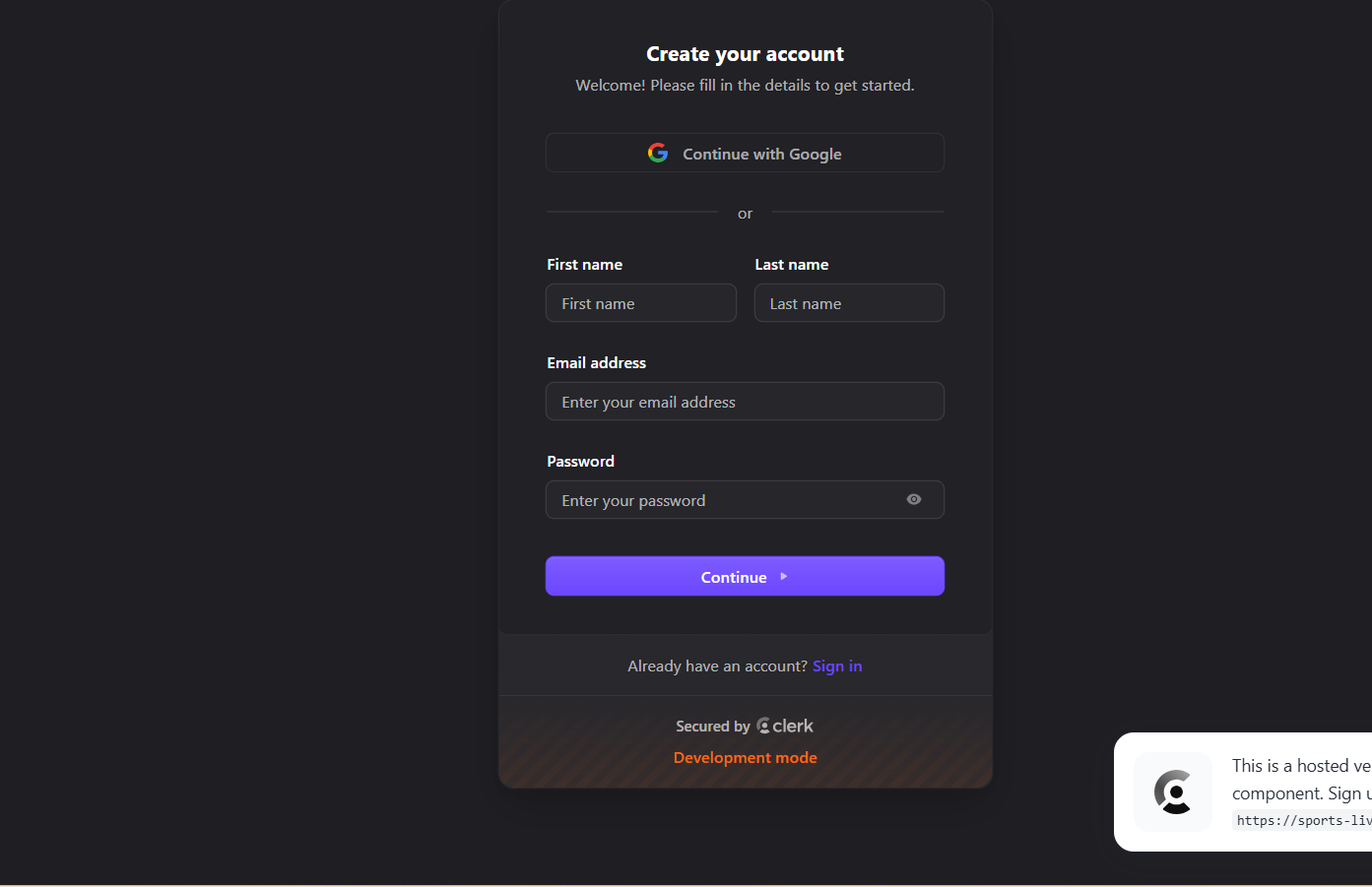
Section titled “Registration”- Click Sign Up on the homepage.
- Enter your Name, Email, and Password.
Screenshot of the page:
Login (Returning Users)
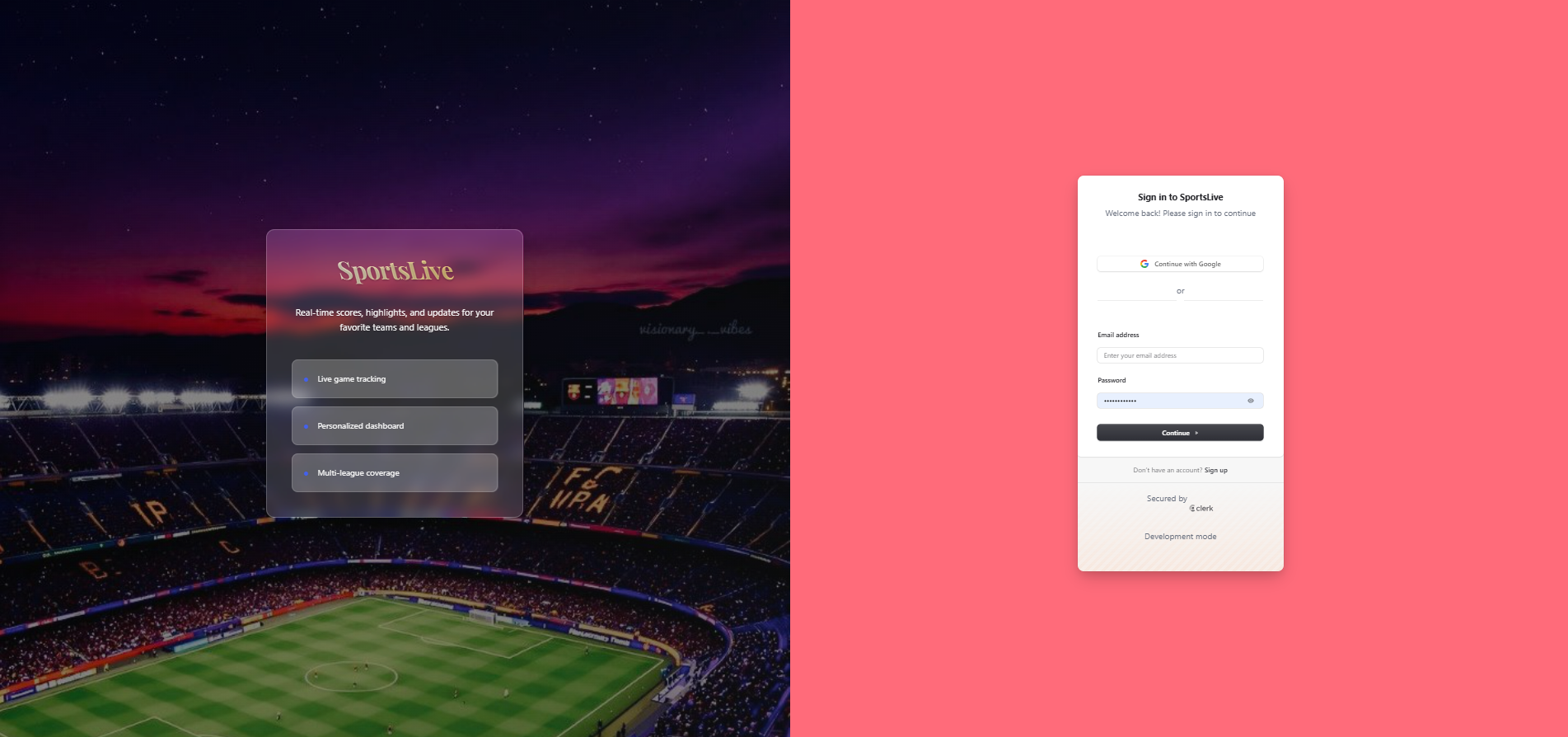
Section titled “Login (Returning Users)”- Click Sign In on the homepage.
- Enter your Email and Password.
Screenshot of the page:
4. Dashboard Overview
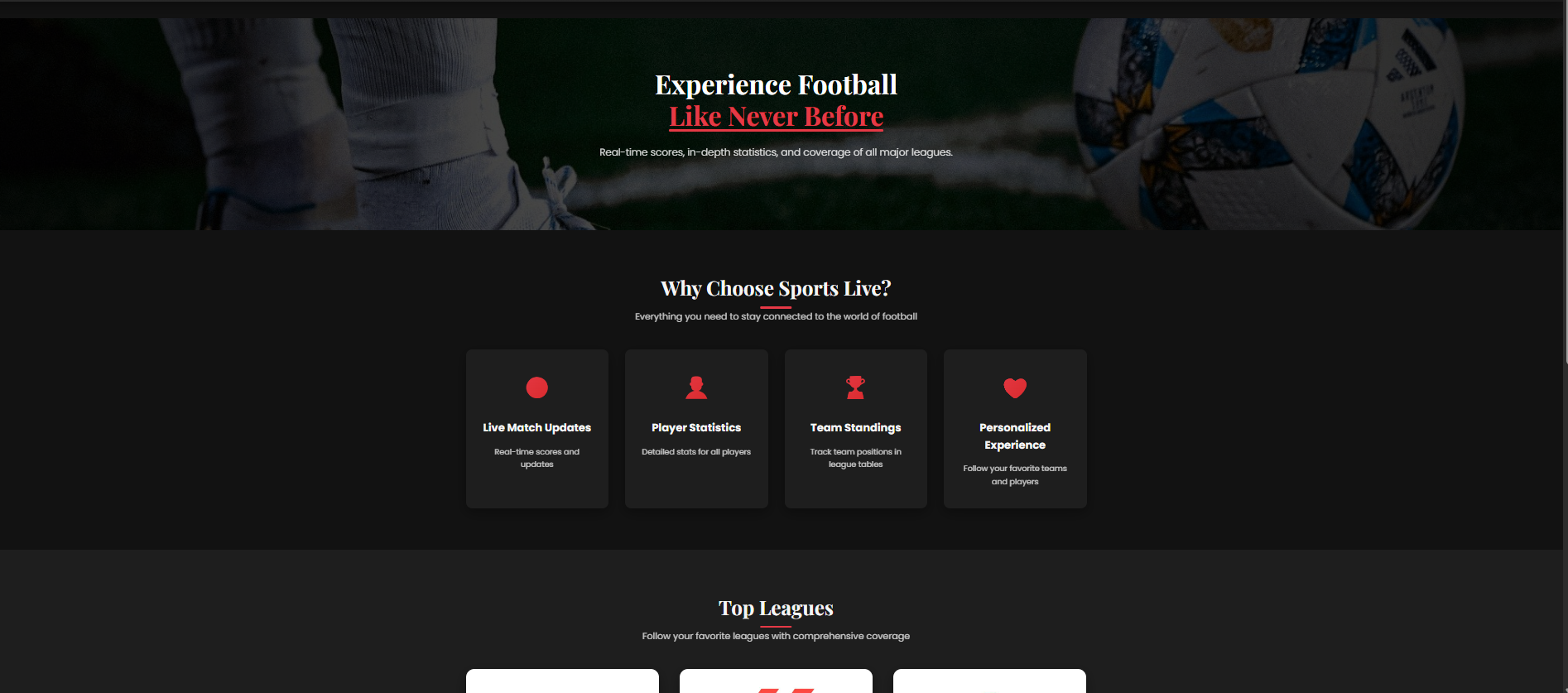
Section titled “4. Dashboard Overview”Once logged in, the dashboard provides:
- Live Matches → Current matches with real-time scores.
- Match Setup (Admin Only) → Create, edit, and delete matches.
- Event Timeline → List of match events (goals, fouls, substitutions).
- Preferences → Select favorite teams
- League Tables → Follow the League table of top leagues in Europe
Screenshot of the page:
4. Following Matches
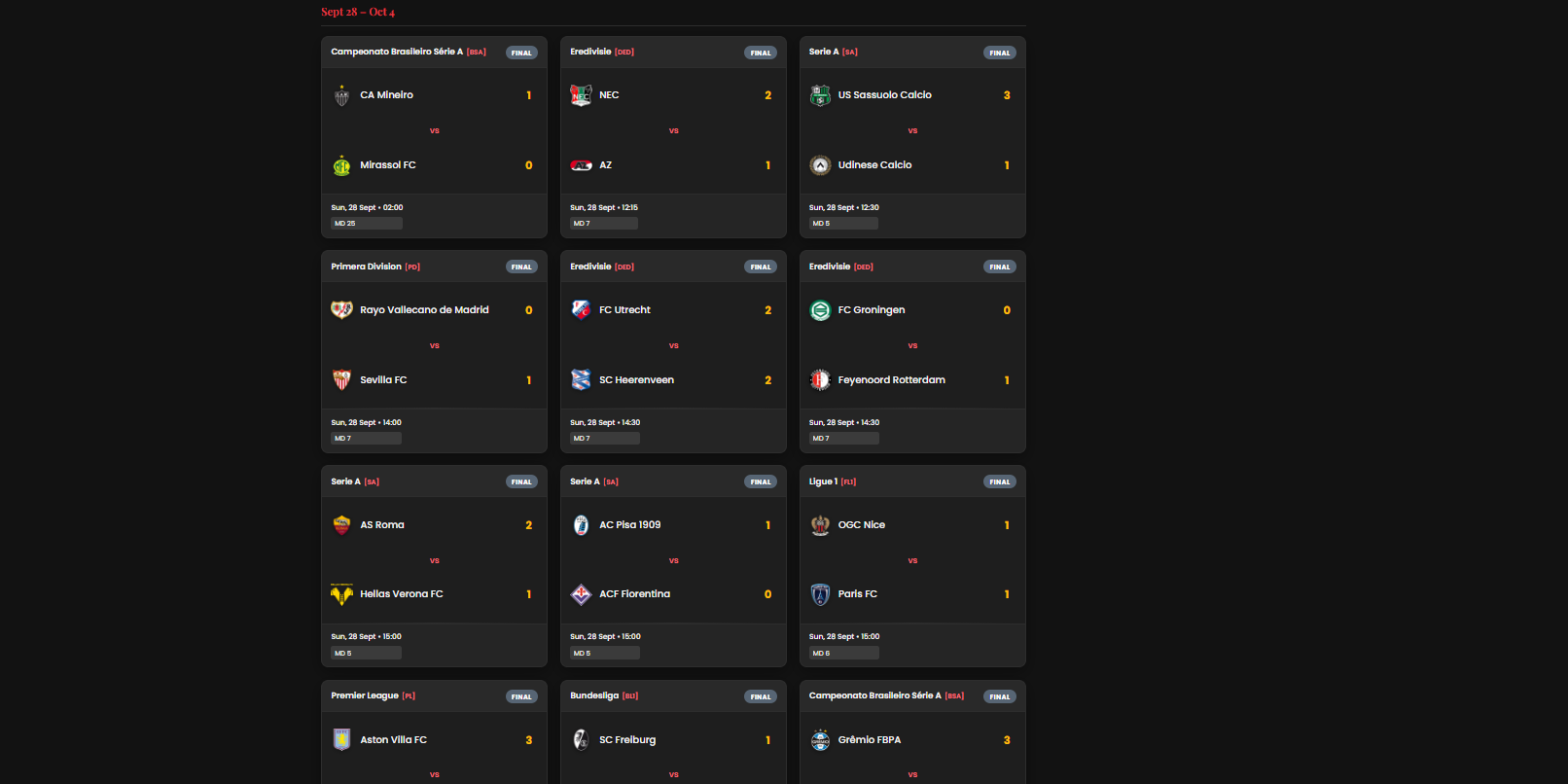
Section titled “4. Following Matches”- Navigate to the Live Matches tab.
- Browse available matches → each shows team names, score, and status.
- Click a Match Card to open detailed stats and event timeline.
- Use Add to Watchlist to receive updates for your favorite teams.
Screenshot of the page:
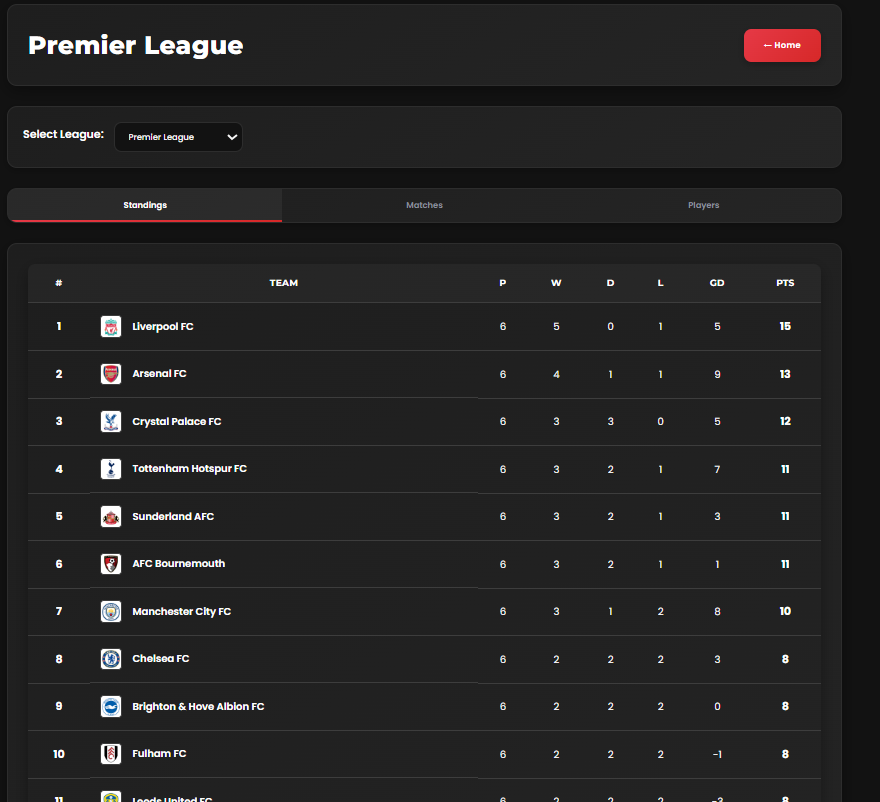
5. Viewing League Standings
Section titled “5. Viewing League Standings”Stay up to date with how your teams rank in their leagues.
- Open the League Standings section from the dashboard.
- Select a League from the dropdown menu (e.g., Premier League, La Liga).
- View the table, which includes:
- Position / Rank
- Team Crest & Name
- Matches Played (P)
- Wins (W), Draws (D), Losses (L)
- Points (Pts)
- Switch leagues anytime to compare standings.
Screenshot of the page:
6. Admin Features
Section titled “6. Admin Features”🔒 Only available to admins.
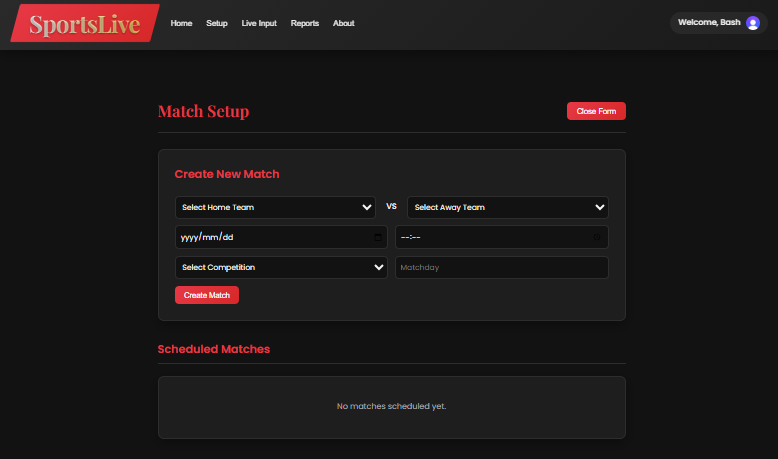
Adding a Match
Section titled “Adding a Match”- Go to Match Setup.
- Enter Competition, Teams, and Start Time.
- Click Add Match → Match will appear on the dashboard.
Screenshot of the page:
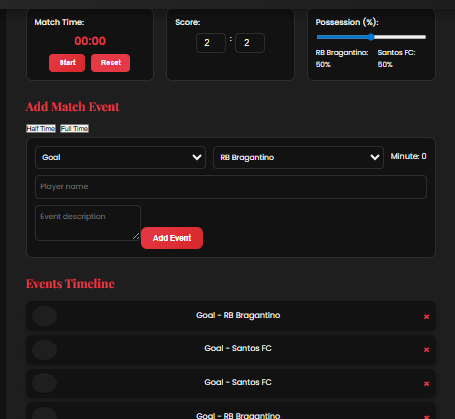
7. Adding Match Events
Section titled “7. Adding Match Events”- Select a live match from the dashboard.
- Add events such as:
- Goals
- Substitutions
- Fouls / Cards
- Click Save → Updates appear instantly on the live scoreboard.
Screenshot of the page:
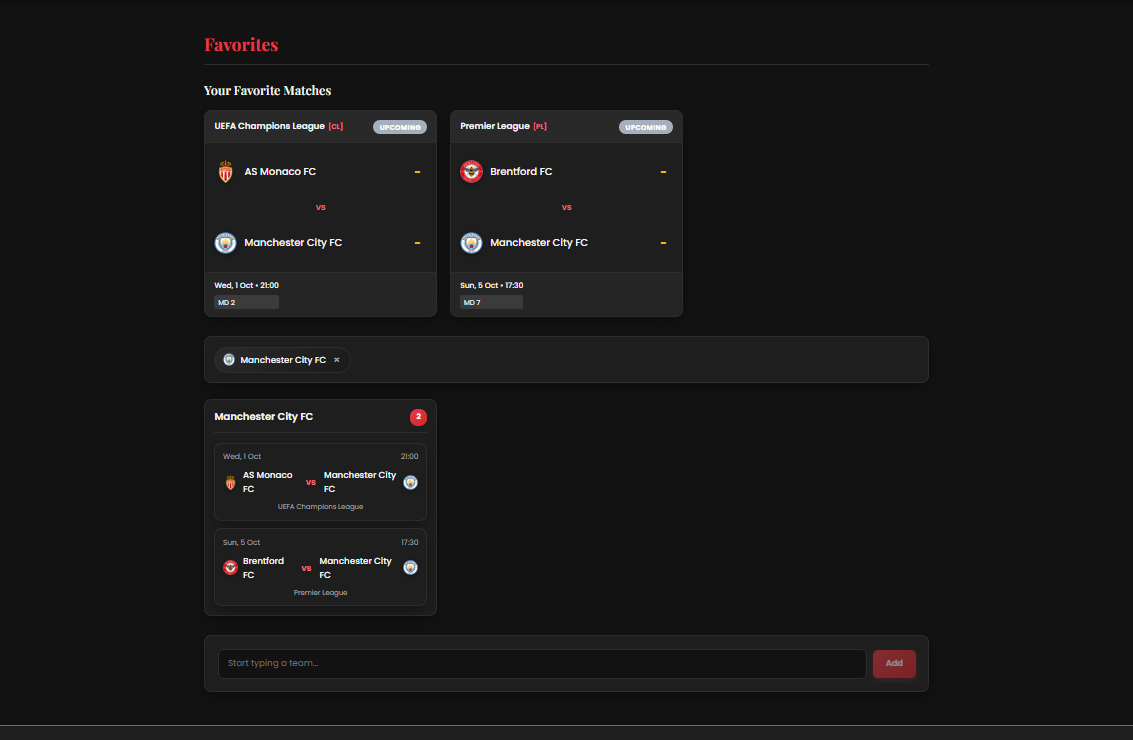
8. Preferences & Notifications
Section titled “8. Preferences & Notifications”Personalize your experience:
- Open Preferences from the dashboard.
- Select your Favorite Teams .
- Toggle Notifications on/off.
Screenshot of the page:
Troubleshooting
Section titled “Troubleshooting”| Issue | Solution |
|---|---|
| Page not loading | Refresh browser, check internet connection |
| Cannot log in | Reset password, ensure email is verified |
| Scores not updating | Refresh the page or confirm the match is still live |
| Match disappeared after refresh | Check if it was deleted by an admin |
You’re all set! Enjoy Sports Live Feeds and keep up with your favorite teams in real time.